Describe a game.Play it in minutes.
Coinop turns a sentence into a browser game, in 2D or 3D, with art and music made for it. Play it, change it by chatting, share it with a link, or download it.
Free to play, publish and remix. Building needs a free account.
From a sentence to a link
You
A 3D platformer where a pirate hops across island beaches for gold coins, dodging crabs, with a treasure map between stages and a crab king at the end.
Describe it
Genre, controls, how you win. Vague is fine, and a picture can say the rest.
Design card
- Title
- Ilha do Pirata Saltitante
- Win
- Beat the Crab King
- Controls
- Arrows to move, Space to jump
Approve the design
A few quick questions, then a card in plain words: title, camera, controls, how you win. Edit anything, then build.
Studio
- drew 5 of 5 pictures
- composed 3 of 3 tracks
- Type check: passed
- Test play: passed (3 screenshots reviewed)
Built and test-played
Art drawn, music composed, code type-checked, played through and looked over in real screenshots of the game before you see it.
/play/ilha-do-pirata-saltitante
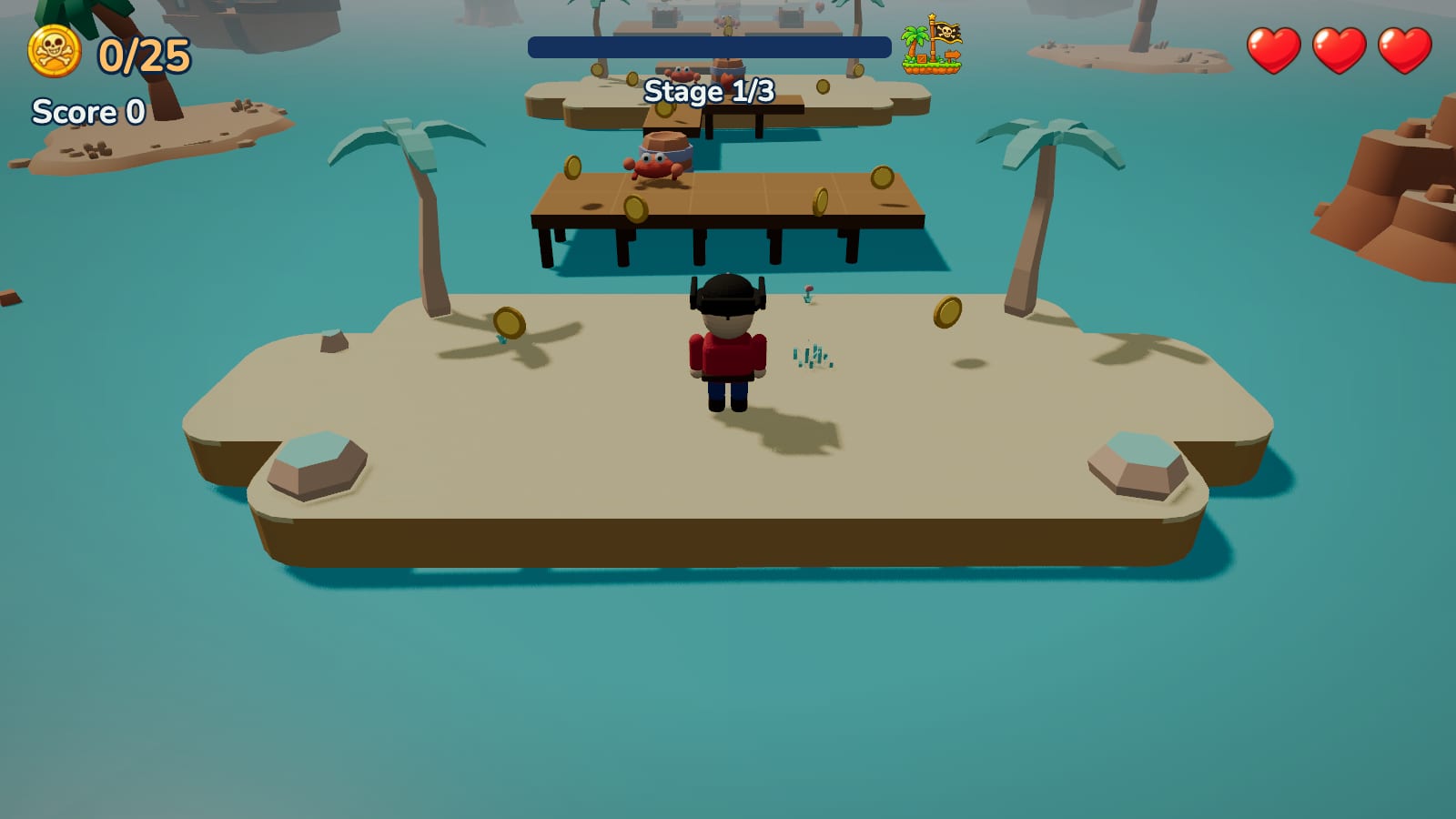
Published
One link, any device, a virtual gamepad on phones, a leaderboard for the scores.
Look around the studio
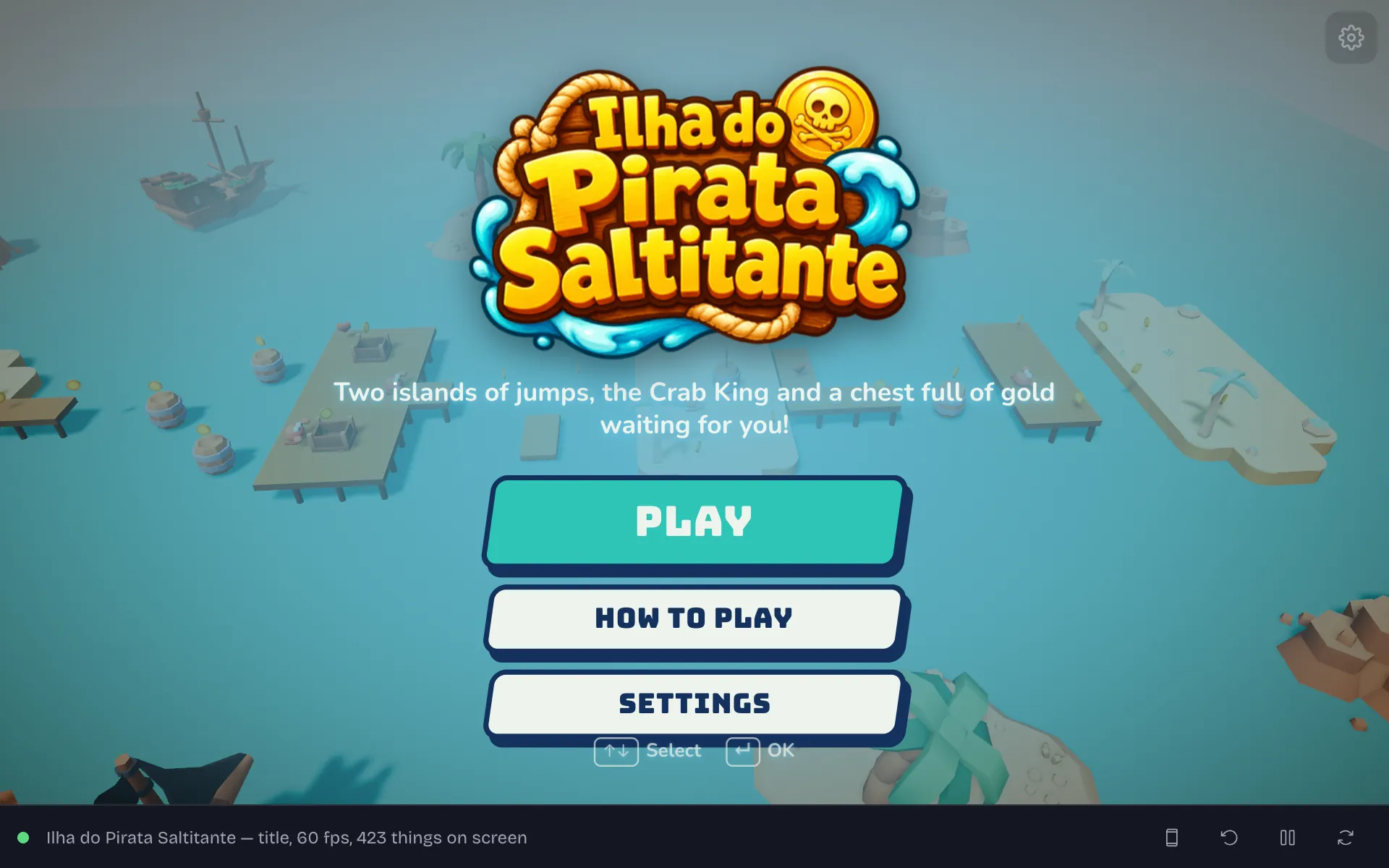
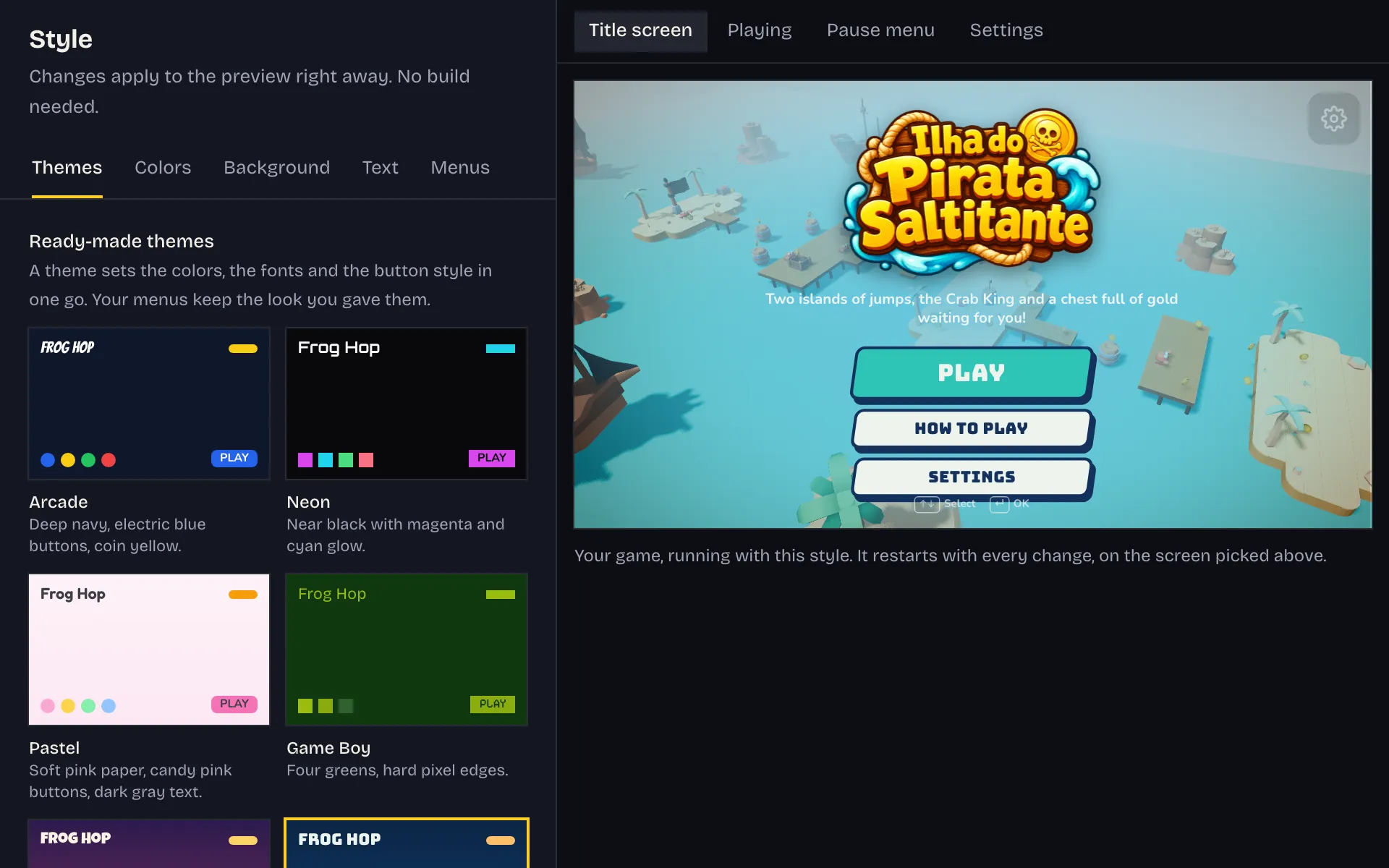
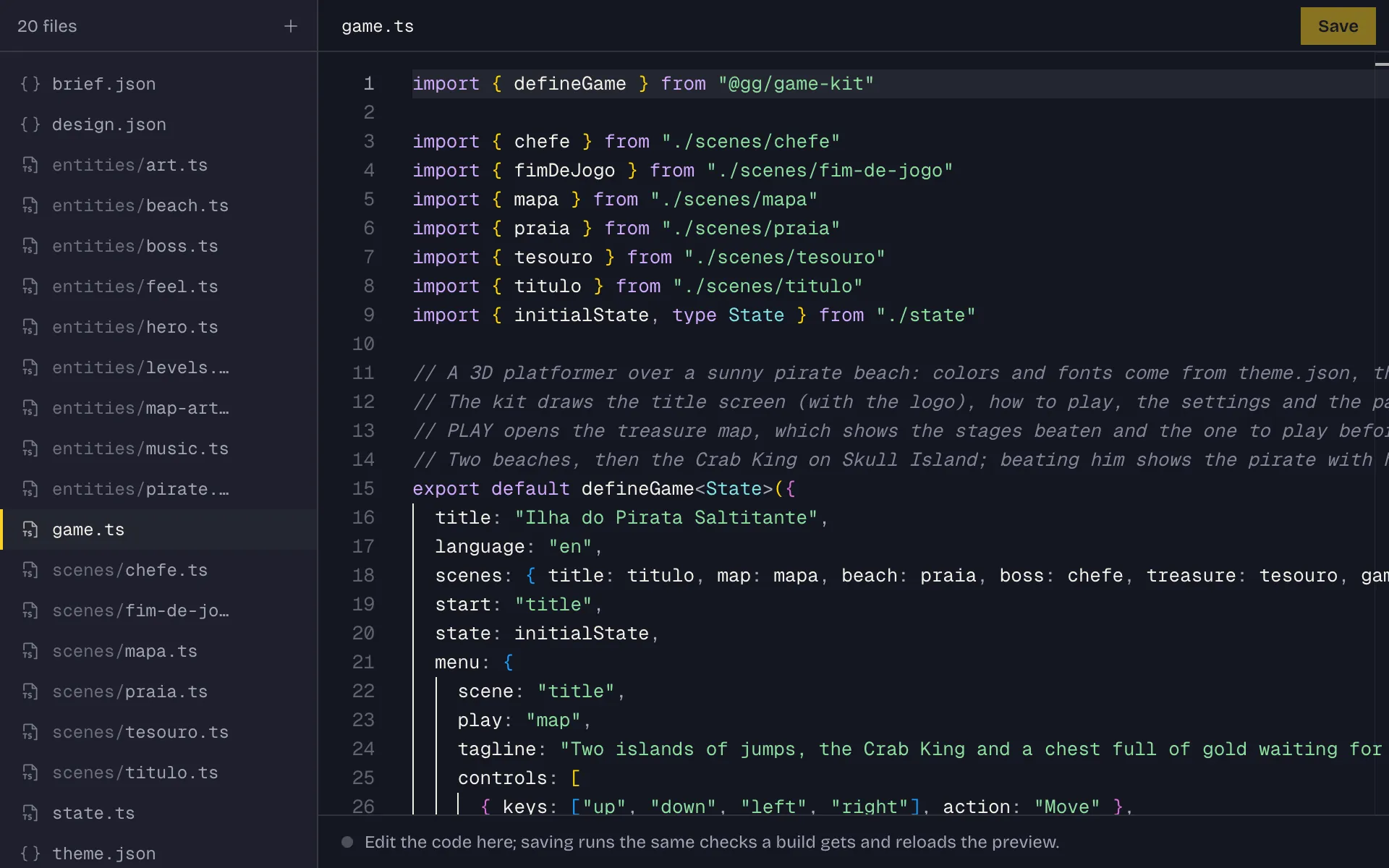
The chat is on one side and your game on the other. Six tabs hold everything else.
Ilha do Pirata SaltitantePreview1/6
Every game gets
A real engine, real art and real sound under every game, and people to play it with once it is out.
Play
- Gravity, jumping and collisions; in 3D, crates that tumble and balls that roll
- Enemies, spawners and health
- Side view, top-down, isometric, first person or full 3D
- A virtual stick and buttons on phones, in landscape, portrait or square
- Xbox, PlayStation and Switch controllers: plug one in and play
- A title screen, settings and a pause menu in your game's own style
Look and sound
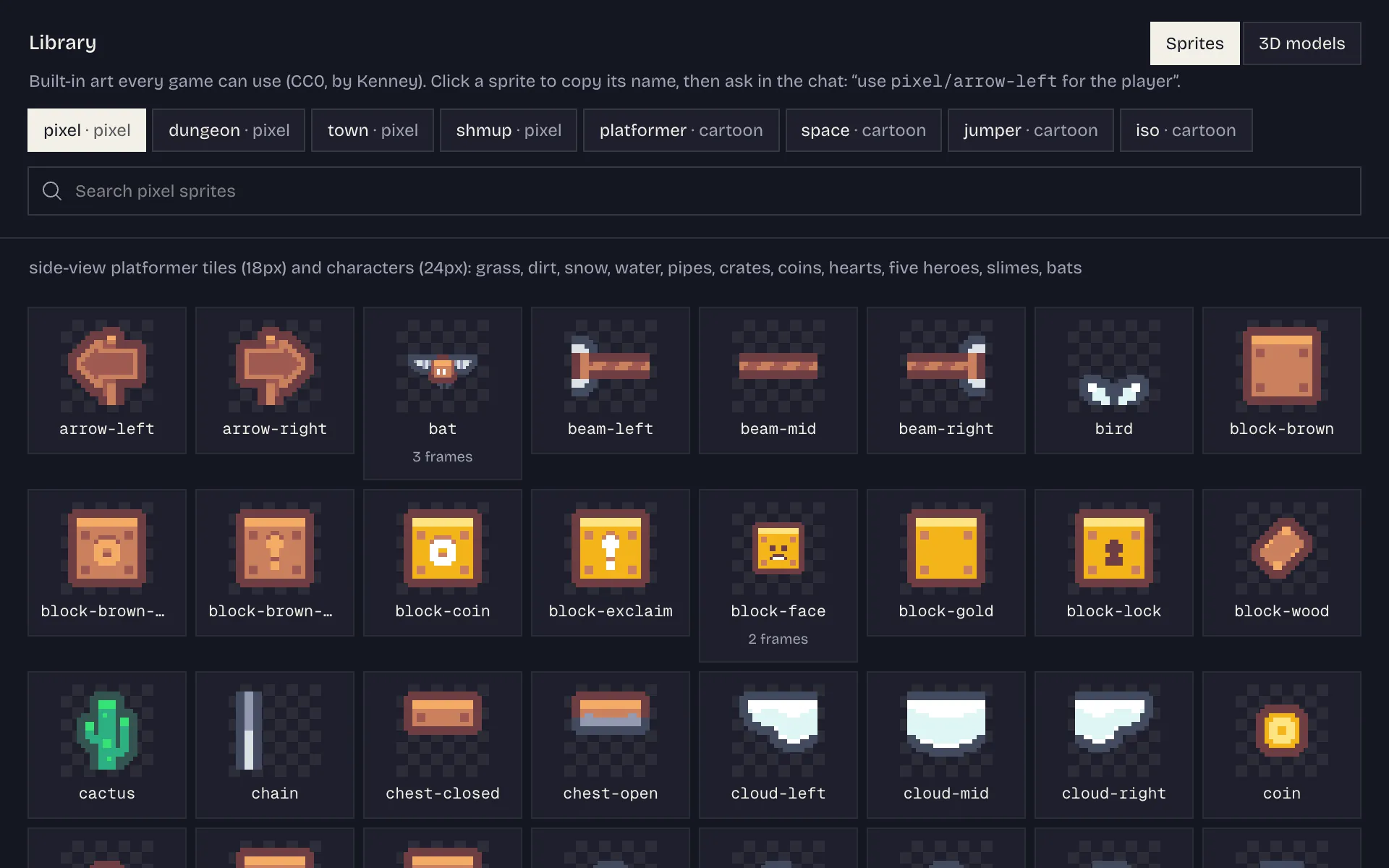
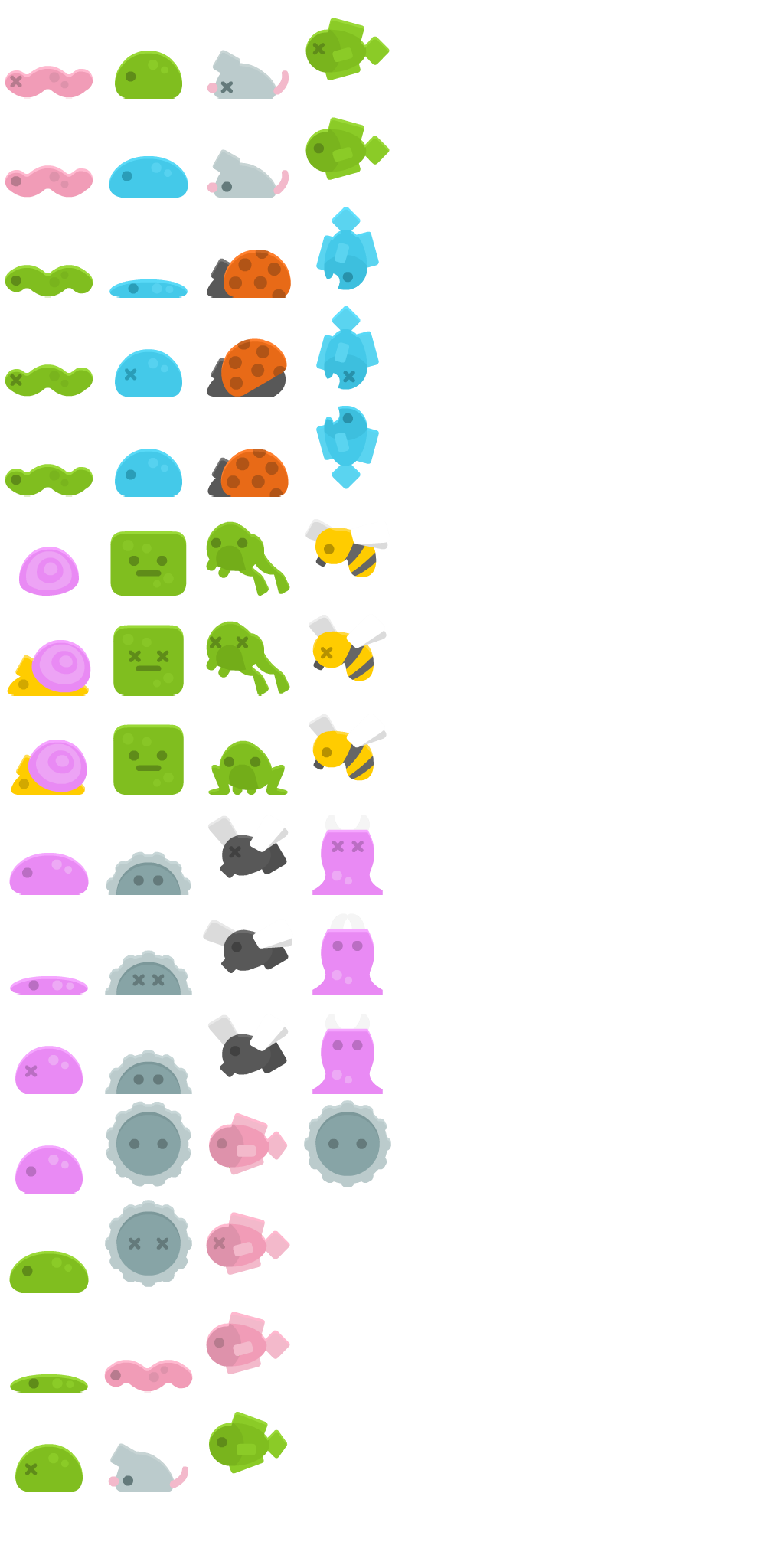
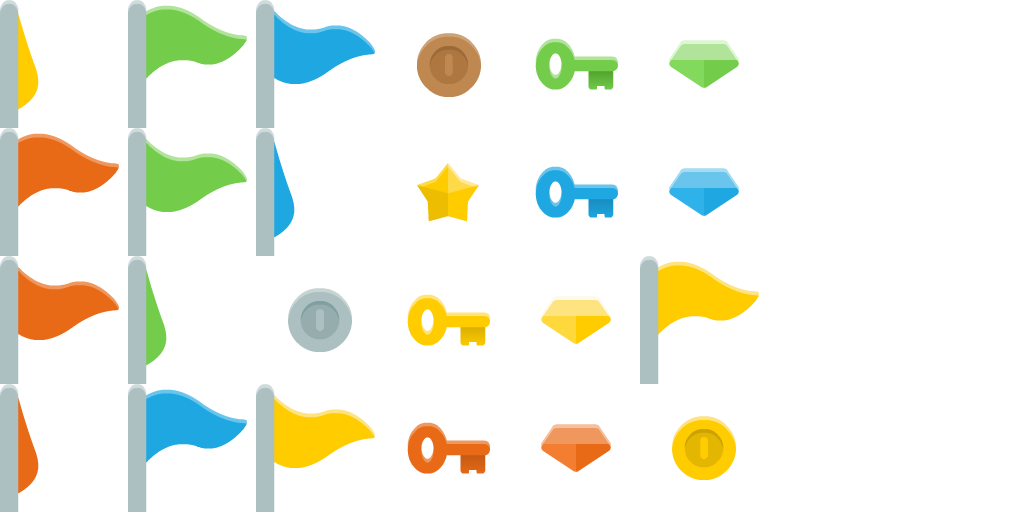
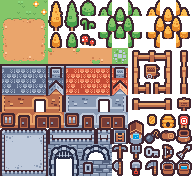
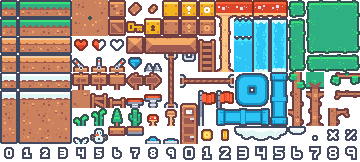
- 1053 ready-made sprites, free to use
- 1005 ready-made 3D models, animated characters included
- Realistic 3D when you ask for it: photographed ground, walls and metal, real skies, reflections and glow
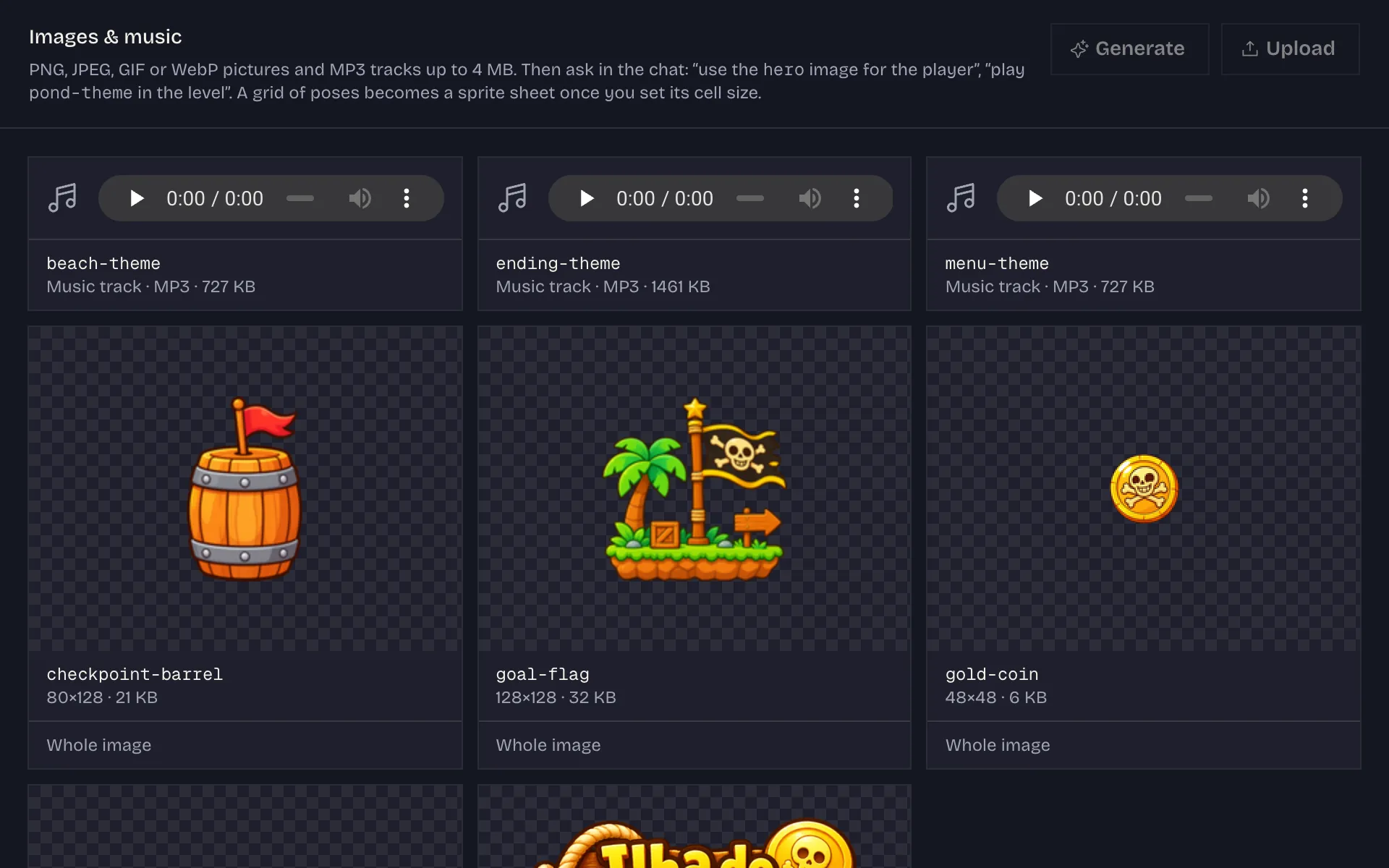
- Characters, backgrounds and a title drawn for your game, or your own images
- A soundtrack composed for your game
- Sound effects made for your game: a weapon, an engine, a creature
- 12 fonts, colors and backgrounds, changed in seconds
- Particles, glow, sun and shadows, sound effects
Yours to keep
- A public link with a preview image, and a Remix button
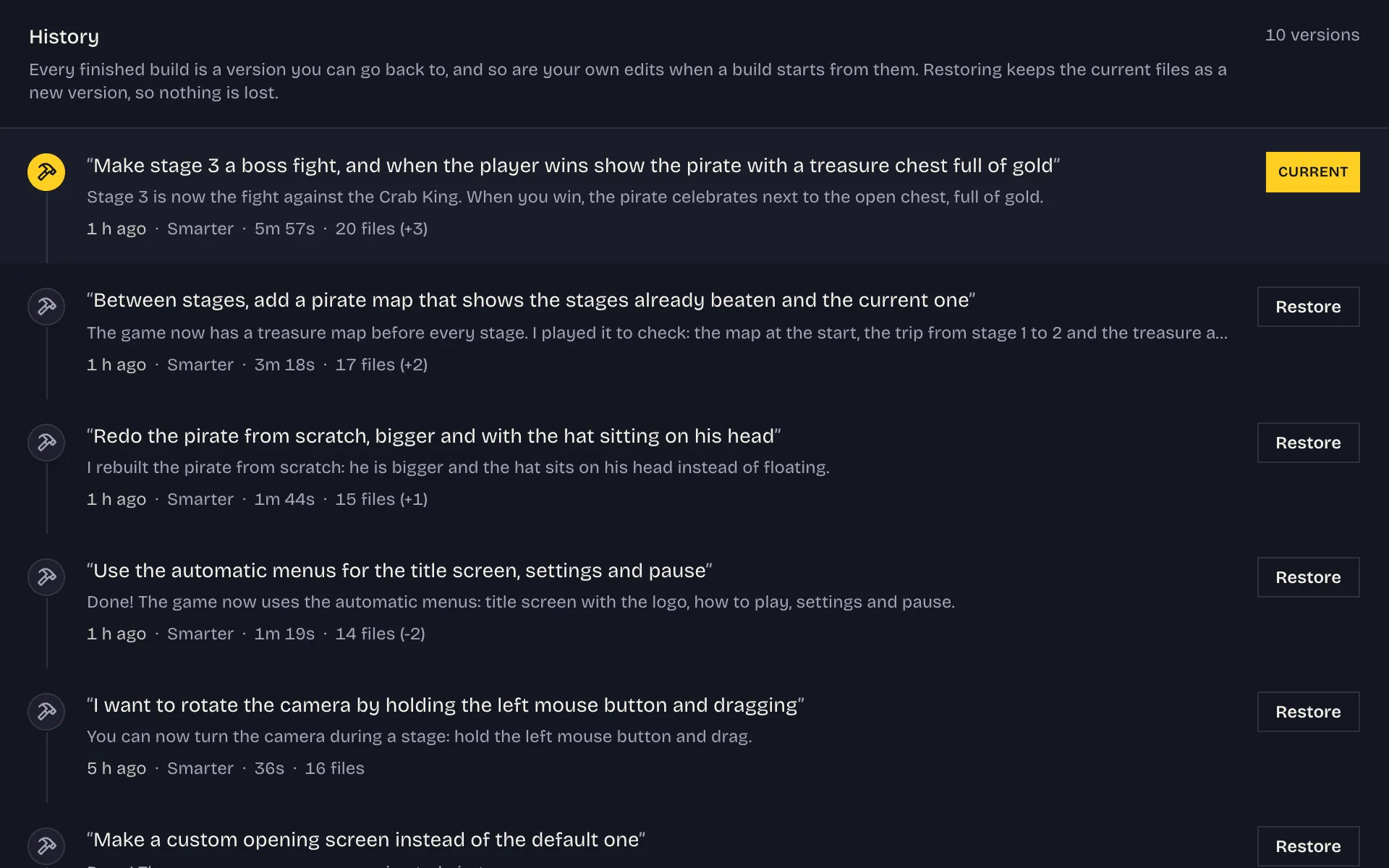
- Every version kept, any of them a click away
- A code editor, if you want to change it by hand
- A zip of the whole game that runs anywhere
Play together
- Online multiplayer for two to four people, each with their own view
- 3D with friends: one world with its own sky, lights and water, and a camera for each player
- A lobby with a room code and an invite link to share
- Saved scores, a leaderboard and “Challenge a friend” links
- A maker page with your games, their plays and your followers
- Contributions: propose a change to someone's game, and it carries your name once they approve it
- Jams: a theme, a deadline and votes from the people who play
- An invite link: you and a friend both get extra build credit
Questions
Do I need to know how to code?
No. You describe the game and the studio writes it, as TypeScript on Coinop's own engine. You can read every file it writes, and change it in the built-in code editor, but you never have to.
How long does a game take?
A few quick questions first, when your idea leaves things open, then the design card in seconds. The first playable build takes a few minutes and keeps running if you close the tab. While it builds, the studio test-plays the game and shows you a picture of each test, so you watch it take shape. Each change after that is a shorter round, and you can play while it works. Pick Fast for a quicker, cheaper build, or Smarter, the default, for the best one. You can also set how much thought goes into each build, from the quickest to as deep as it goes.
What kinds of games can it make?
Browser games in 2D (platformers, shooters, top-down adventures, arcade and puzzle games), in first person, Doom style, isometric, with diamond tiles, blocks and standing sprites, and in 3D, like the demo above: a camera over a world built from 1005 ready-made models, animated characters included, with a sun, shadows, water and fog, and physics that tumbles: crates to push over an edge, balls that roll and bounce, towers to knock down. Ask for a realistic look and a 3D world for one player is lit like a film: a real sky, photographed ground and walls, reflections on water and paint, lamps that glow. Online multiplayer for two to eight people, each on their own device with their own view of the world, or all watching one shared arena.
What if it gets something wrong?
Before the first build the studio asks about what your idea left open (the view, who plays, how you win), then you approve a design card written in plain words, so the big decisions are yours. After that, ask for changes in the chat, with a screenshot of what is wrong when words are slower, restyle instantly in the Style tab, and go back to any earlier version from History.
Can I show it a picture?
Yes. Add pictures to your idea, to an answer or to any message in the chat: a look to follow, a sketch of a level, a screenshot of what went wrong. The studio looks at them before it asks, plans and builds, and one button attaches what the preview shows right now. A picture of a game you like sets the kind of game and its mood; the characters and the art come out as your game's own. Pictures you send this way are only looked at: to put one inside the game, upload it in the Assets tab.
Can I use my own art?
Yes. Every game starts with pictures drawn for it, in cartoon, pixel or painted style: the hero and enemies with their animations, pickups, a background, a title. Edit the list on the design card before the build, or turn it off. Drop your own images into the Images tab, sprite sheets, logos and backgrounds included, or describe one picture and the studio draws it; the library's 1053 sprites are always there.
Does my game get music?
Yes. Before the first build the studio composes a short soundtrack for your game: a track that loops while you play, and ones for the menu and the ending when the game has them. You read the plan on the design card and can change it there.
Does my game get its own sound effects?
Yes. While it builds your game, the studio makes sound effects for the moments that carry it: a weapon firing, a hit, an explosion, an engine, a creature's cry. Ask in the chat for any other sound, or for one to change (“make the shotgun sound heavier”). They land in the Assets tab, where you can listen to each one and upload your own MP3s. The engine's built-in sounds cover the small things.
Do games get a title screen and settings?
Yes. Every game opens on a title screen in its own style, drawn over the game itself with its colors, fonts and title art, in one of eight button styles picked to fit it. A how-to-play page comes from the game's controls, the settings have music, sound and overall volume and full screen, and Esc pauses. Restyle the menus in the Style tab, without a build: their layout, their buttons, and how big the title and the text are, with your game running beside the controls to show each change.
Can I play with a controller?
Yes. Plug an Xbox, PlayStation or Switch controller into your computer, or pair it by Bluetooth, and press a button: every game plays with it, the ones already published included, with nothing to set up. The left stick and the d-pad move, A jumps, B acts, the other buttons take the game's other actions and Start pauses; in a first-person game the right stick looks around. The menus follow the controller too, How to play shows its own buttons, and in an online game each player can use theirs. A game played only by pointing and clicking still needs the mouse.
What does it cost?
Playing, publishing and remixing are free. Building needs a free account, with a daily build allowance while Coinop is in early access. A Fast build uses less of it than a Smarter one.
Can I invite friends?
Yes. Every account has an invite link. A friend who joins with it starts with $2 of extra build credit, and you get $2 when they finish their first game, for the first 10 friends who do. Build credit pays for builds once the day's allowance is used up, and it never expires. Friends who finish a game also earn you a badge on your maker page.
Do I own what I make?
Yes. Export downloads a zip with your game's source, the engine, the fonts and the art it uses, and a page that runs on any web host. The game stays playable here too.
Can I change a game someone else made?
Yes. Every public game has a Remix button that copies it into your studio, where you change it by chatting.
Can I help with a game someone else made?
Yes. Every public game has a Contribute button beside Remix. It gives you a copy of the game in your own studio: change it by chatting, with the builds coming out of your own allowance, and send it when it is ready. The game's maker plays their game with your change in, sees what changed, and approves it, asks for changes or declines it. Approved, your change is part of the game and its page carries your name. A maker can also close a game to contributions, or send a link that lets a friend propose changes before the game is published. A remix is different: it is a new game of your own.
Can I play with friends?
Yes. Ask for an online game and two to four people play in the same world, each on their own device. In a race, a shooter or an adventure every player has their own camera and their own HUD (a first-person game is seen through each player's own eyes, mouse look included); in a duel or a party game that fits one screen, everyone watches the same arena. A 3D game with friends is the same kind of world as one played alone, with its own sky, lights and water. They join with an invite link or a room code and meet in a lobby that looks like the game; who is who is picked there in a 2D game, and inside the world, as the round begins, in a 3D one. Any game that keeps a score also gets a leaderboard and a “Challenge a friend” link that dares them to beat yours. Makers have a page with their games, can be followed, and can enter games in a jam.
Which languages does it speak?
The site, the studio and its emails read in English and in Brazilian Portuguese: pick one at the top of any page, or let your browser's language choose on your first visit. A game is written in the language you describe it in, whichever one the site is in, and its menus follow the game.
Start with a sentence.
Nothing to install and nothing to learn first. Free to start.